
Simple, practical strategies you can start using today to reclaim time for planning, grading, and life outside school.
Intro — why small changes matter
Teaching is meaningful, but it can be time-consuming. Little changes add up — and a handful of practical habits can free up hours each week. These hacks are designed to be low-effort, high-impact, and easy to implement for any classroom setting.
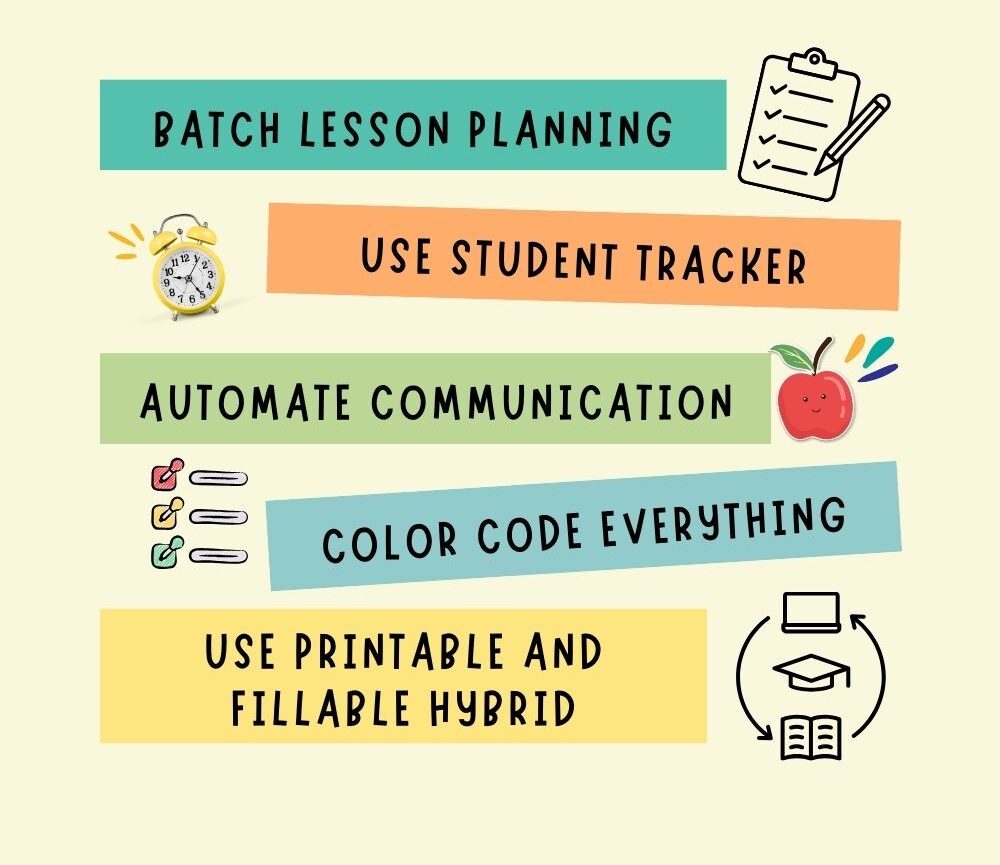
1. Batch lesson planning
Set aside one block of time per week to plan multiple lessons. Batching reduces decision fatigue, helps you think in themes, and makes it easier to prepare materials in one go. Try dedicating an hour on Friday afternoon or Sunday evening to block out the next week’s lessons.
How to start: Create a template for a week (objectives, activities, homework) and duplicate it each week — this turns planning into a quick edit rather than a fresh task.
2. Use fillable planners for day-to-day notes
Digital, fillable planners let you type directly into structured fields — objectives, materials, homework, and reflections — saving time on messy handwriting and making notes searchable.
Tip: Keep a master digital copy (fillable) and duplicate it for each week or term. Need a quick paper copy? Export a PDF of a single week and print only those pages.
3. Automate parent communication
Save time by creating message templates for common scenarios: positive feedback, behavior notes, meeting requests, or homework reminders. Keep a short list of email snippets in a document you can copy-paste from — or use your student tracker’s parent-communication log to log outreach and follow-ups.
Quick example template:
Hi [Parent Name], I wanted to share a quick update: [Student Name] showed great effort in [subject/activity] today. I’ll send more details at our next conference. — [Your Name]
4. Prep in advance
Batch prep common materials — homework packets, assessment rubrics, and activity sheets — so you’re not piecing things together mid-week. Use a single folder labeled “Quick Prep” with ready-to-print resources for last-minute substitutions or schedule changes.
Pro tip: Reserve a 30-minute prep slot each Friday to create or organize next week’s materials.
5. Rely on checklists
Checklists reduce mental load. Create evergreen checklists for daily routines, grading, end-of-day wrap-ups, and parent contact. When a task is written down, your brain can focus on execution instead of remembering.
Example checklists: End-of-day checklist (attendance logged, homework set, desk cleared) and Grading checklist (mark, record, return).
Bonus hack: Use ready-made teacher tools
Save time by starting with professionally designed planners and trackers. Pre-built templates mean you don’t have to design your own forms — simply plug in your students and routines. Our Student Tracker and Lesson Planner are created for efficiency and clarity.
Putting the hacks into a weekly routine
- Sunday (30–60 min): Batch plan next week’s lessons.
- Monday (10 min): Print or export the week’s classroom essentials.
- Wednesday (20 min): Tidy gradebook and send quick parent updates if needed.
- Friday (30 min): Prep for next week and archive notes.
Consistent small steps beat one exhausting weekend of catch-up. These routines free time for planning, marking, or—better yet—life outside school.
Free sample: try one hack today
Want a quick start? Download our free sample planner page (printable + fillable) and use it for one week to see how these hacks fit into your routine.
Closing — small changes, big impact
These teacher hacks are intentionally simple — because the easiest systems are the ones you’ll actually use. Pick one or two to start, stick with them for a week, and adjust. You’ll be surprised how much time you reclaim with a few focused habits.
Ready to save time? Explore our Lesson Planner and Student Tracker in printable and fillable formats.
If you found this helpful, pin it to your teaching board and try the free sample planner page to get started.
Hi, this is a comment.
To get started with moderating, editing, and deleting comments, please visit the Comments screen in the dashboard.
Commenter avatars come from Gravatar.