
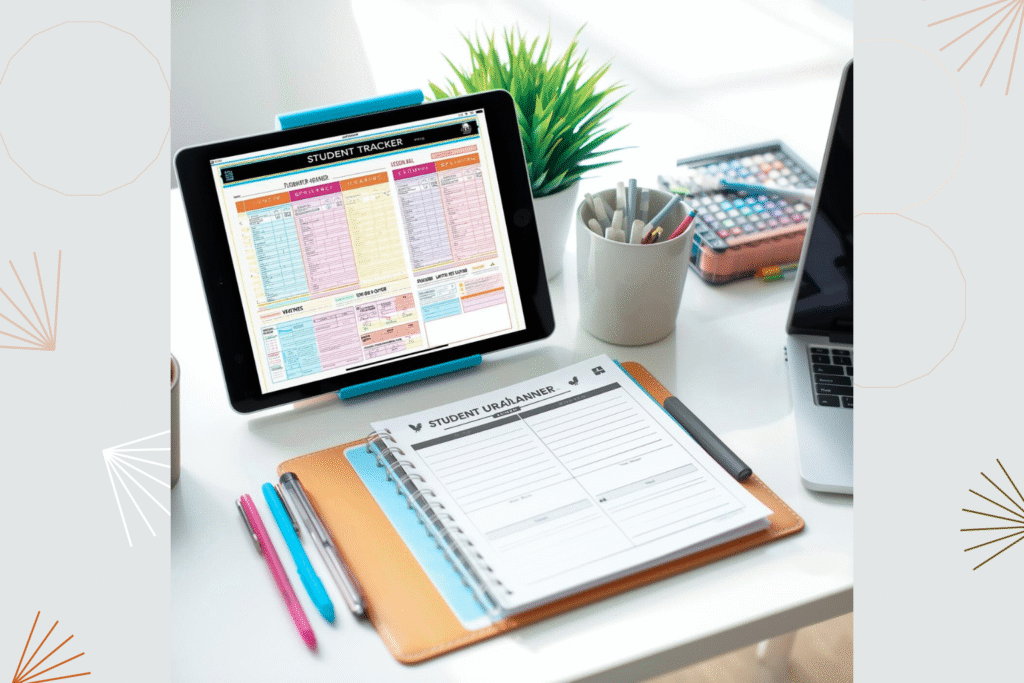
Have you ever wished your digital gradebook or student tracker could calculate averages, totals, and trends automatically? If you’ve been using one of our fillable teacher PDFs—like lesson planners, attendance trackers, or grade sheets—you can easily transfer your data to Excel and unlock even more powerful tools for analysis.
Why Transfer PDF Data to Excel
While fillable PDFs are great for structured record-keeping, Excel allows you to automate calculations and visualize data at a glance. Here’s what you can do once your data is in Excel:
-
- Automatically calculate student averages, attendance percentages, and totals.
-
- Sort students by performance or participation levels.
-
- Create charts that highlight class progress or improvement areas.
-
- Generate quick reports for parent-teacher meetings or grading summaries.
-
- Combine data from multiple classes or terms in one master sheet.
 Step-by-Step: Export Fillable PDF Data into Excel
-
- Open your fillable PDF (like a Student Tracker or Gradebook) in Adobe Acrobat Pro.
-
- Go to Tools → Prepare Form to confirm your data fields are recognized.
-
- Click File → Export To → Spreadsheet → Microsoft Excel Workbook.
-
- Choose your save location and click Save.
-
- Open the new Excel file to view your exported data — each field becomes a column, making it easy to perform calculations.
 Free Alternatives for Teachers
If you don’t have Adobe Acrobat Pro, you can use free or low-cost online tools such as:
-
- PDFTables.com — converts fillable forms or tables directly to Excel.
-
- Smallpdf — quick online converter for simple trackers or attendance logs.
-
- iLovePDF — a classroom-friendly tool that handles spreadsheets and basic form exports.
Classroom Use Cases
Here are a few practical ways teachers are using this workflow:
-
- Gradebook exports — automatically calculate averages and rank students.
-
- Attendance logs — track attendance rates or identify frequent absences.
-
- Behavior and participation trackers — measure engagement over time.
-
- Assessment analysis — compare test scores across subjects or terms.
 Recommended Tools
If you’d like to streamline your classroom organization, try our Student Tracker and Lesson Planner — both available in fillable and printable formats. They’re designed to make exporting and analyzing your classroom data effortless.
 Final Thoughts
Moving your data from a fillable PDF to Excel helps you work smarter, not harder. With automatic calculations and customizable reports, you can focus more on teaching and less on data entry. It’s a small change that can make a big difference in your classroom workflow